Get Started with Foundry Local & AI Dev Gallery

Before we begin, let’s ask why people and organisations want to use local AI? The possible answers are:

  • In a restrictive environment, run the models offline and store sensitive data on the device or in a secure location.
  • Reduce inference costs. Utilise local models for low-complexity processing.
  • Implement a low-latency, real-time AI application.
  • Automate any tasks with these models without breaking the bank!
  • Use automation where there is no or limited internet access.

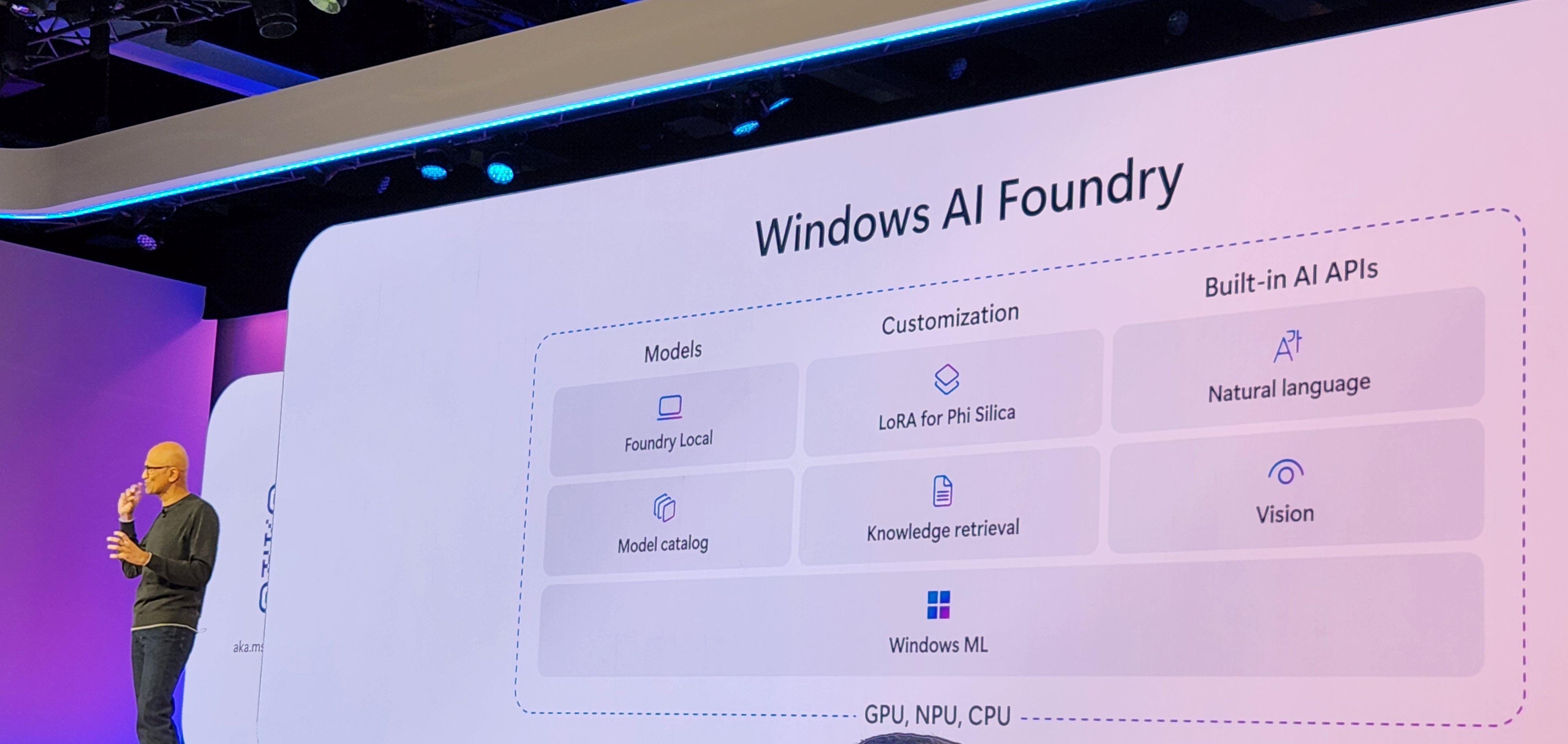
At the recent Build event, Microsoft unveiled a comprehensive set of capabilities designed to help developers implement local AI, including Windows AI Foundry and Foundry Local.
Foundry Local

Foundry Local is a local on-device AI inference solution developed by Microsoft as part of Azure AI Foundry. It enables developers and organisations to run small or large language models (S/LLMs) and other AI models directly on their own hardware, such as Windows devices.

What did not work

Reminder, this is still in Public Preview. When I tried the following terminal command, I received the error below. I have tried a few options but had no luck. If you are experiencing the same issue, try the steps from “What Worked”.

winget install Microsoft.FoundryLocal

What worked

To get things running, simply run the following commands in a PowerShell or Command Prompt window. The “FoundryLocal-x64-0.3.9267.43123.msix” file is nearly 1 GB in size. So it might take some time to download.

# Download the package and its dependency
$releaseUri = "https://github.com/microsoft/Foundry-Local/releases/download/v0.3.9267/FoundryLocal-x64-0.3.9267.43123.msix"
Invoke-WebRequest -Method Get -Uri $releaseUri -OutFile .\FoundryLocal.msix
$crtUri = "https://aka.ms/Microsoft.VCLibs.x64.14.00.Desktop.appx"
Invoke-WebRequest -Method Get -Uri $crtUri -OutFile .\VcLibs.appx

# Install the Foundry Local package
Add-AppxPackage .\FoundryLocal.msix -DependencyPath .\VcLibs.appx

Once installed, you can simply run the following command to see available models.

foundry model ls

Mindful of the file size of each model. You can download and run the model using the following command.

#foundry model run <model_name>
foundry model run phi-3.5-mini

Once the model is running, you can interact with the model. In the following example, I have asked the phi-3.5-mini model to translate “It is a beautiful day” in German, all within the Windows command prompt. This simple model can translate about 23 languages! You can find more details about that model here.

Some standard CLI commands are below. All Reference CLI can be found here.

foundry --help

foundry model ls
foundry model run <model-name>
foundry service status

foundry cache list
foundry cache remove <model-name>
foundry cache cd <path>

AI Dev Gallery

Another great tool Microsoft recently released is the AI Dev Gallery: aka.ms/ai-dev-gallery. This tool enables developers to explore and integrate on-device AI functionality into their applications.

Learn more about the AI Dev Gallery: https://techcommunity.microsoft.com/blog/azuredevcommunityblog/getting-started-with-the-ai-dev-gallery/4354803

Below is a short demo of the AI Dev Gallery

Windows AI Foundry

On-device applications can also leverage the AI Backends features or AI APIs offered by Windows AI Foundry. Learn more about it here: https://learn.microsoft.com/en-us/windows/ai/overview

Reference links

  1. GitHub Foundry Local: https://github.com/microsoft/Foundry-Local/
  2. Learn more about Foundry Local: https://learn.microsoft.com/en-us/azure/ai-foundry/foundry-local/what-is-foundry-local
  3. Capability of PHI-3.5 SLM: https://techcommunity.microsoft.com/blog/azure-ai-services-blog/discover-the-new-multi-lingual-high-quality-phi-3-5-slms/4225280
  4. Learn more about the AI Dev Gallery: https://techcommunity.microsoft.com/blog/azuredevcommunityblog/getting-started-with-the-ai-dev-gallery/4354803
  5. Installer -AI Dev Gallery: https://apps.microsoft.com/detail/9n9pn1mm3bd5?hl=en-US&gl=AU
  6. Windows AI Foundry: https://learn.microsoft.com/en-us/windows/ai/overview

Global Azure Sydney 2025 

The Sydney Global Azure event was held on Saturday, May 10th, at Microsoft Reactor. As usual, it was a vibrant event with many thoughtful discussions.

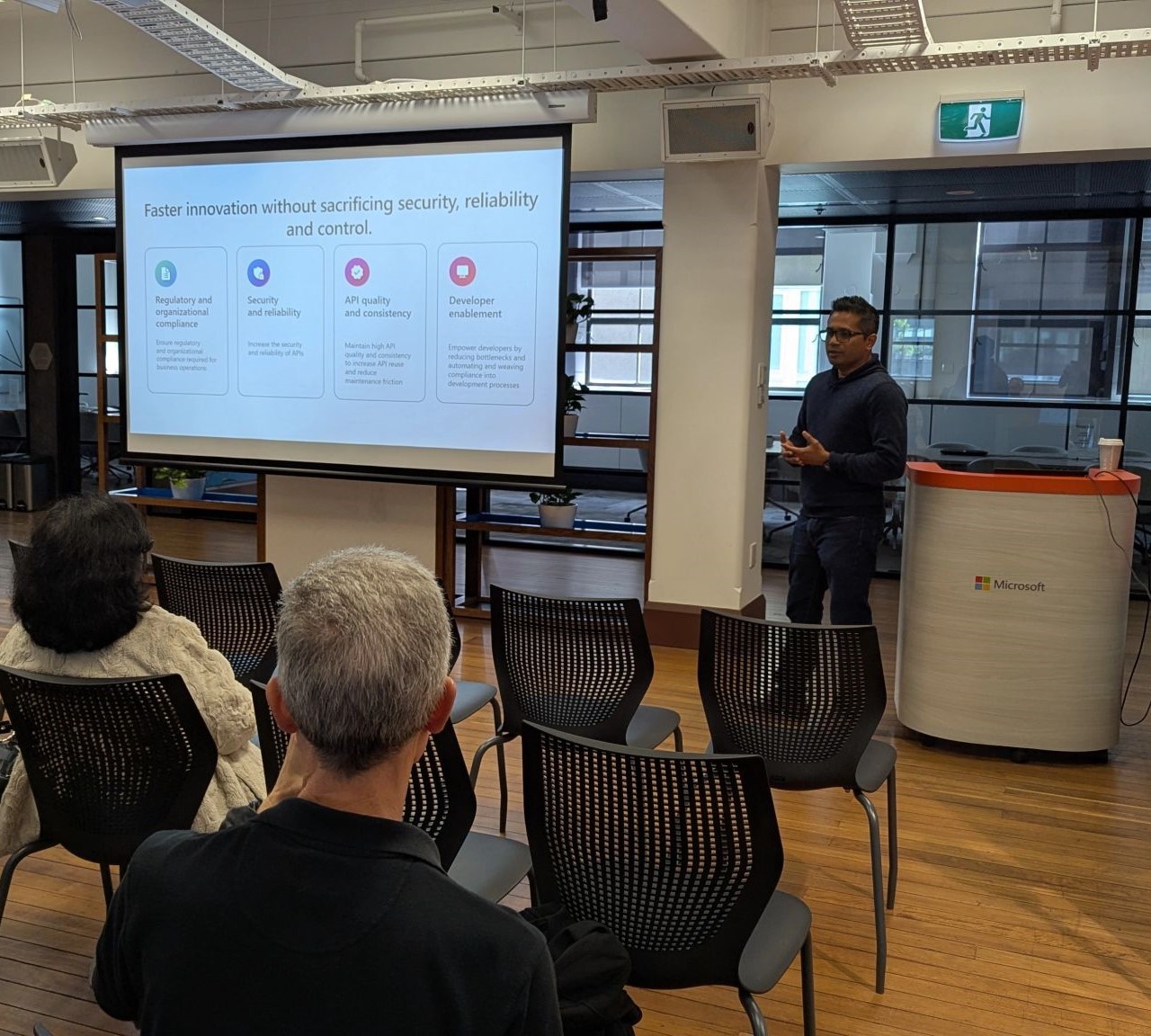
The topic of my presentation was “Effective API Governance in the Era of AI with Azure Integration Services

Synopsis: API integrations continue to offer higher business performance and enable innovative automation. Building an integrated governance model to manage APIs effectively became crucial, especially when handling the complexity of AI-driven workloads.
In the session, I showcased how to use Azure’s powerful suite of integration services, including Azure GenAI Gateway, Azure API Center, Azure API Management, and Azure Policy, to boost reliability, security, and compliance while accelerating API development and innovation rather than creating organisational obstacles and bottlenecks.

In the session, we had a deeper dive into the following two very important Azure services:

I have made the slide available here

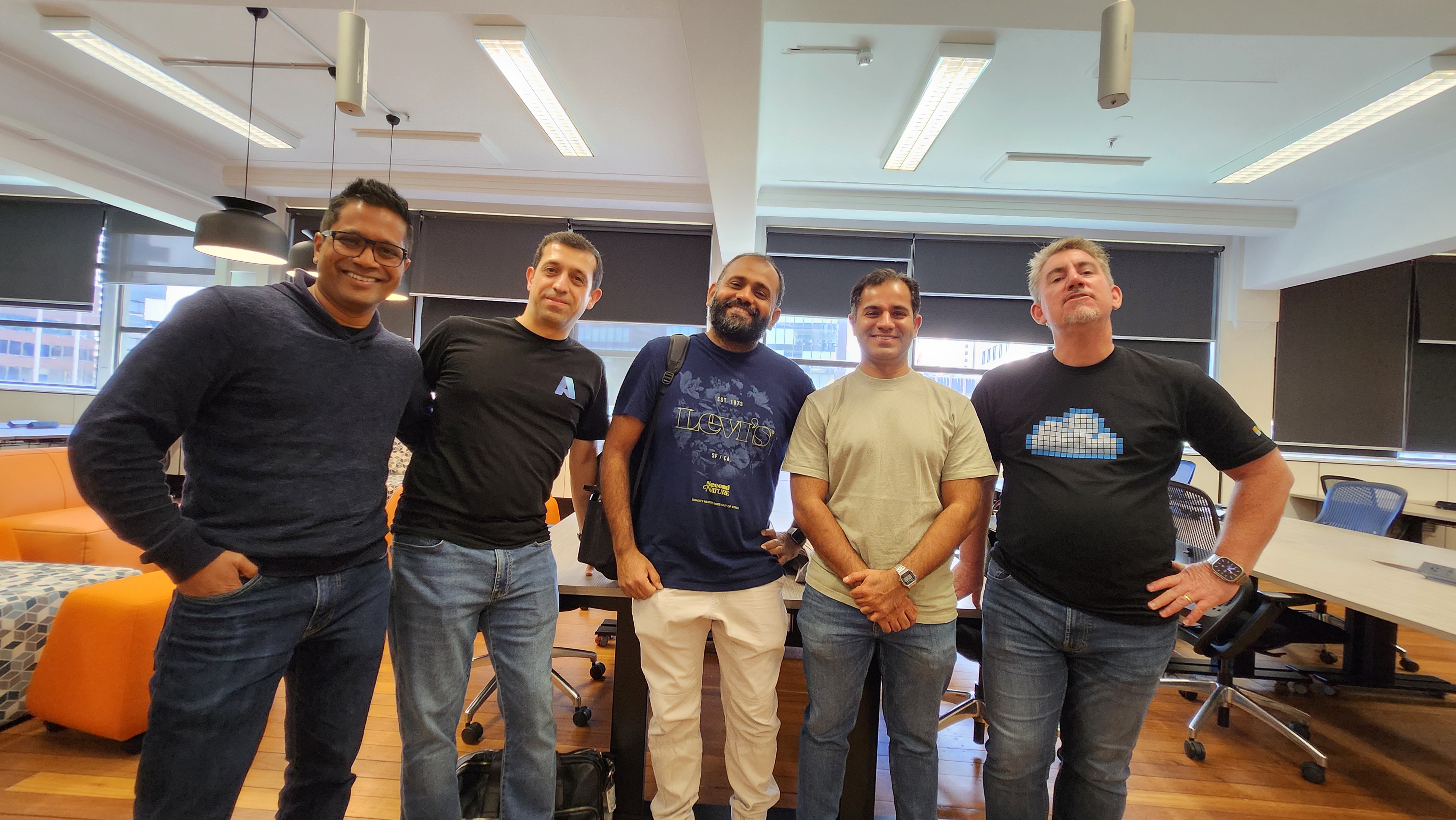
It was great to see some familiar faces

Below, I have listed some of the useful reference links on this topic:

The Era of Multi AI Agent

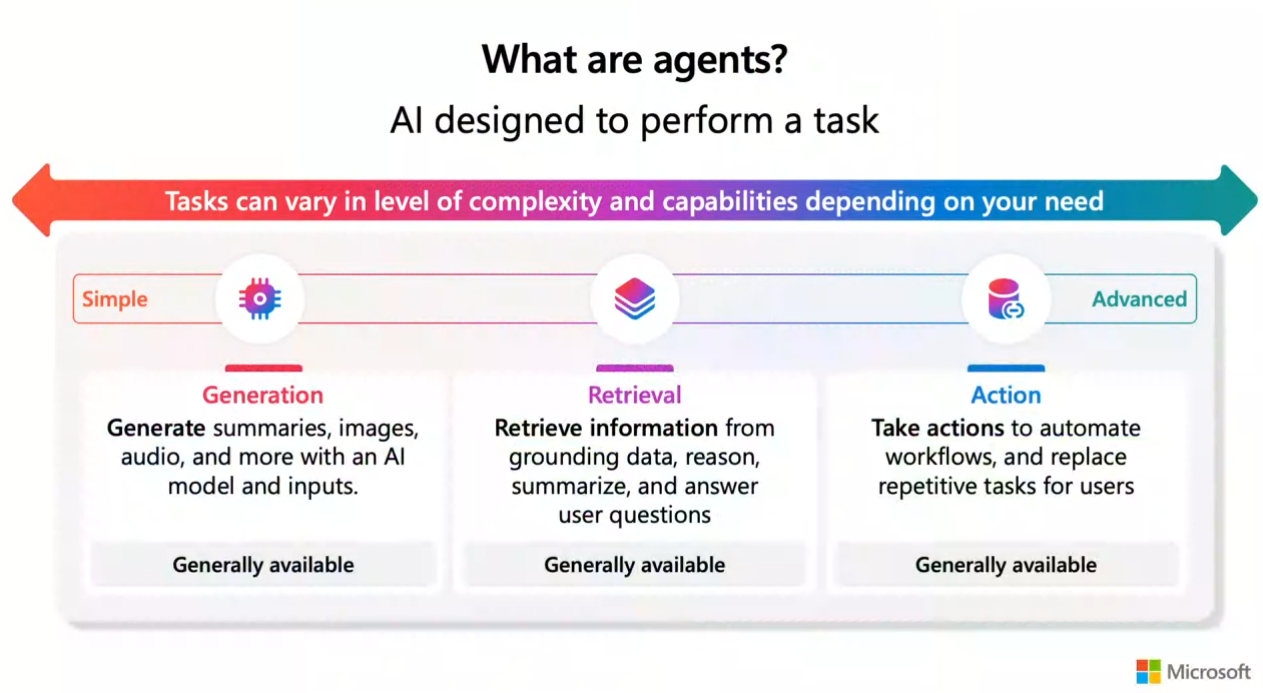
Most organisations have been building bots and agents for the last few years. Some of the agents are now integrated with GenAI to perform complex tasks and serve customers with a more human-centred experience.

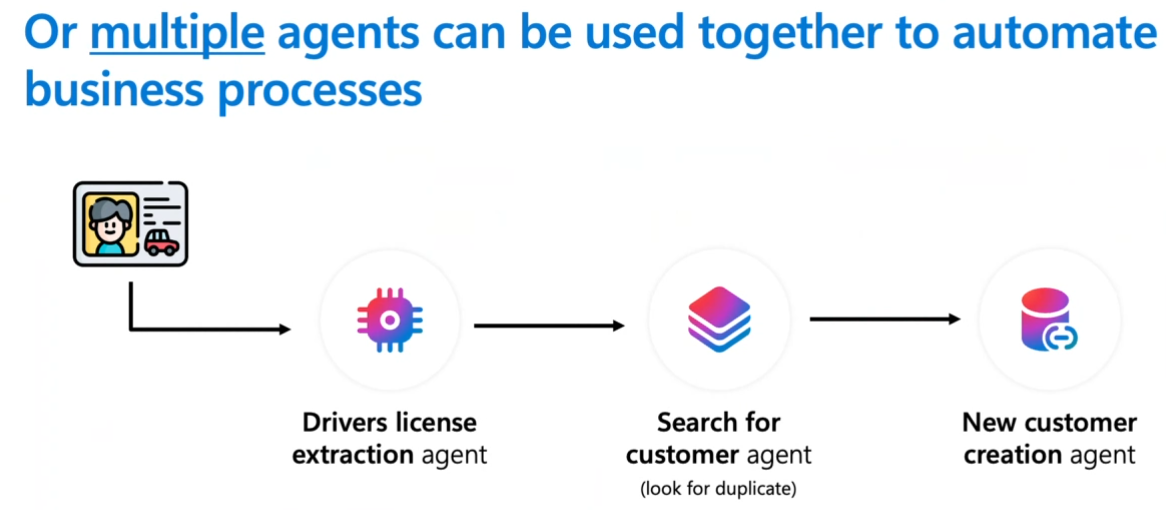
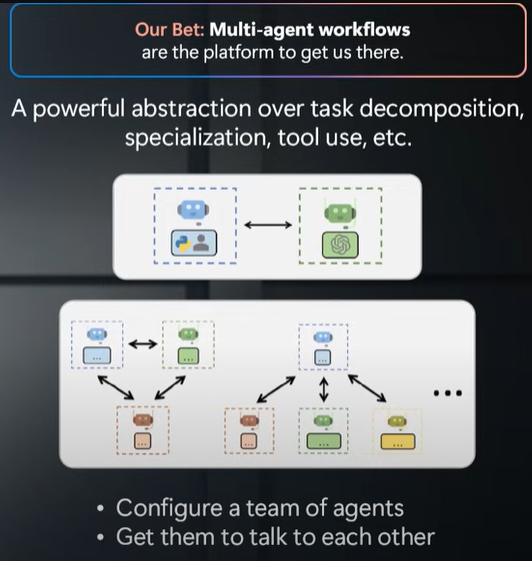
What is becoming a clear Multi-AI Agent solution with humans in the loop will have more trust in the outcome and the most adoption by the customer. A multi-AI agent solution will also allow us to break a complex process/task into sub-processes/tasks where each agent will perform a very domain-specific task. There is an overhead of having an orchestration agent that will need to delegate agent-specific tasks. However, breaking down the process will make the agent simpler to implement, more accurate, testable and manageable in the long run.

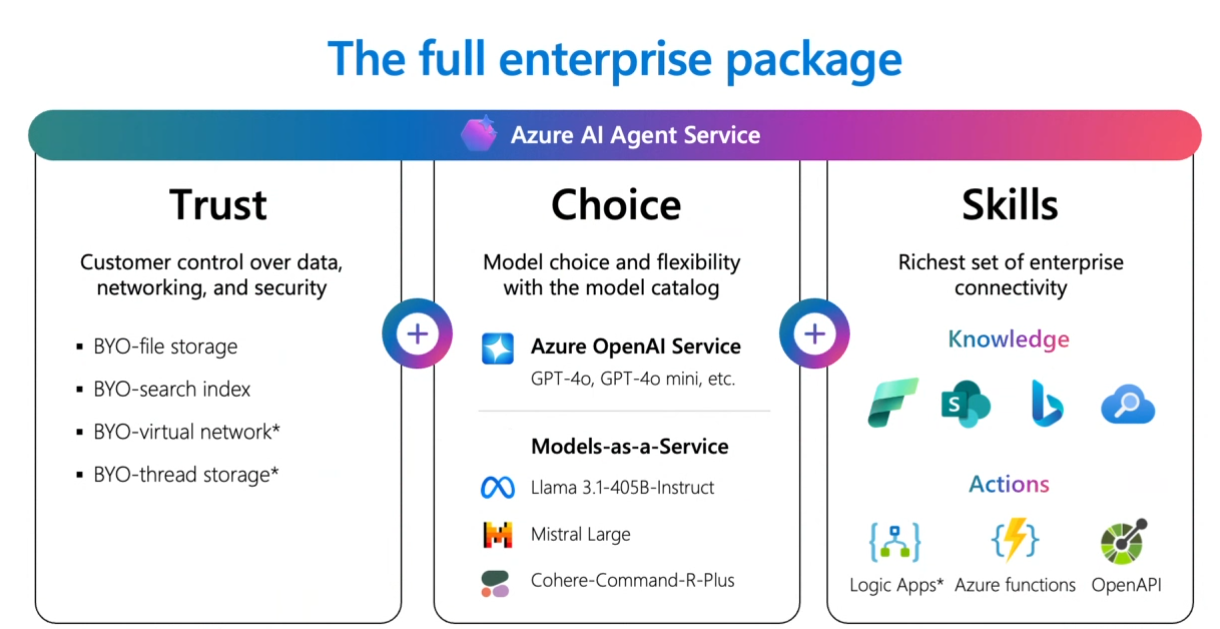
Before proceeding, I must mention some of the graphics I have reused from Mads Bolaris‘s presentation.

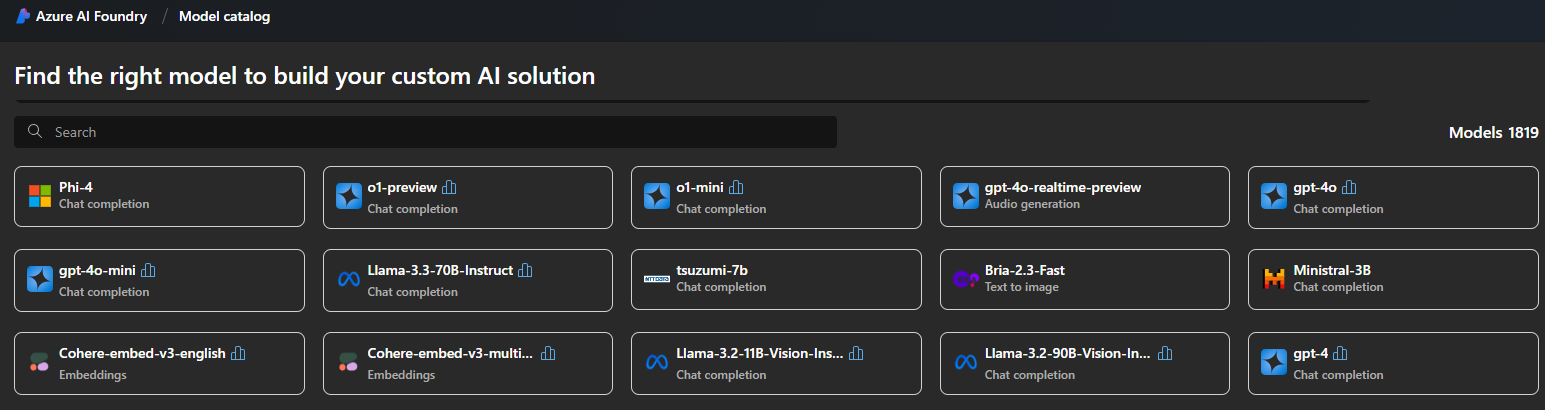
Azure AI Foundry has been a great way to create single or multi-AI agents. Some amazing samples, such as the Azure AI Assistance Tool and Questionnaire Multi-Agent, can speed up the AI assistance implementation.

Another massive benefit of Azure AI Foundry is that it provides the full enterprise package, including data storage, building and testing agents, choice of models, prompt samples/accelerators, and the ability to add custom actions through Azure Function, Open API, etc.

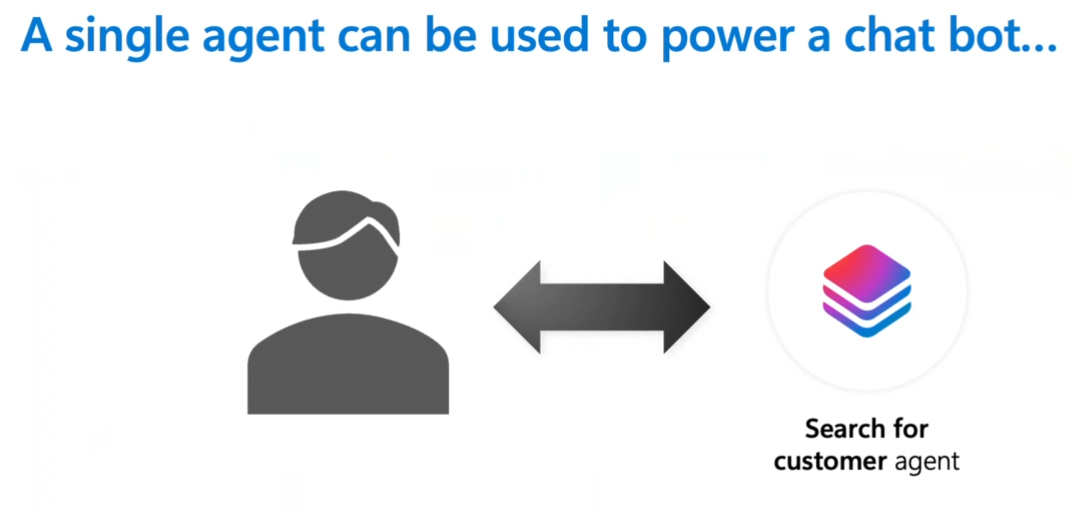
Whether your solution is a single AI agent or a multi-AI agent will depend on the scenario or problem you are solving. If you are building a chatbot or an agent for a very specific task, a single AI agent might be the way to go. However, for most enterprise customers, multi-AI agents will be the solution, and we should apply the Process Framework to break the process into small, manageable chunks.

While a single (complex) AI agent may solve many of the business use cases, we should keep in mind that such an agent will be:

  • More challenging to test and debug issues for different scenarios
  • More likely to hallucinate
  • Harder to measure the quality of the response
  • Complex to build and maintain without impacting sub-functionalities/tasks

To automate and implement business processes, a multi-agent system can be implemented through Orchestrator and Worker agents.

Each worker agent can validate the progress against the goal, check for the quality of output, implement hard stops to iterations, and provide a response when fulfilling the criteria.

For the Muti-agent system, orchestration options are available: AutoGen or Semantic Kernel.

There are some great blogs: Microsoft Semantic Kernel and AutoGen: Open Source Frameworks for AI Solutions, and Microsoft’s Agentic Frameworks: AutoGen and Semantic Kernel covers the option in more detail. However, in a nutshell, if you plan to deploy your multi-agent solution in production in the next few months, Semantic Kernel is the way to go. Semantic Kernel has reached version 1.0 across .NET, Python and Java and is ready for production use. Below are some useful resources and links for both frameworks;

Semantic Kernel

AutoGen

Microsoft AI Partner Training Day & Microsoft AI Tour Sydney

Several resources were shared during Microsoft AI Partner Training Day & Microsoft AI Tour Sydney conference that I found quite handy. I have collated those below for myself and for others to benefit from.

Some of the AI Tour speakers have uploaded their slides and resources in the following repo:
https://github.com/microsoft/aitour-repo-principal-list

Learning
Microsoft announced that they would skill 1 million Aussies and Kiwis – which shows the growth we anticipate in the coming years. The following link can be a great start to keep up with AI learning.
https://aiskillsnavigator.microsoft.com/en-us

GenAI Beginners -21 Lessons
Generative AI For Beginners – This course contains 21 lessons and was designed by Microsoft Cloud Advocates.
https://github.com/microsoft/generative-ai-for-beginners/tree/main

Azure AI Foundry
Azure AI Studio is now the Azure AI Foundry portal. Azure AI Foundry is the new platform that allows developers to explore various models, services, and capabilities and quickly build AI applications. The organisation can also use their Azure subscription (MACC quota) to build and run AI models, which will remove the upfront investment cost of such a project.
https://ai.azure.com/

Open-Source Samples
Open-source repos with chat AI (backend) and web UI (frontend) samples used during the AI Tour presentation and workshop
https://github.com/Azure-Samples/contoso-chat
https://github.com/Azure-Samples/contoso-web

Prompty
Prompty is an asset class and format for LLM prompts designed to enhance observability, understandability, and portability for developers. The primary goal is accelerating the developer inner loop of prompt engineering and prompt source management in a cross-language and cross-platform implementation.
https://prompty.ai/
https://www.prompty.ai/docs
https://github.com/Microsoft/prompty/
https://microsoft.github.io/promptflow/how-to-guides/index.html

Copilot for Security Prompt Library: Samples, Templates, and Promptbooks
The link contains prompt examples, prompting templates, and promptbooks for use with Copilot for Security to provide ideas to build and create our own prompt.
https://github.com/rod-trent/Copilot-for-Security/tree/main/Prompts

Kubernetes AI Toolchain Operator (Kaito)
Kaito is an operator that automates AI/ML model inference and tuning workloads in Kubernetes, supporting large open-source models like Falcon and Phi-3, with features like containerised model management, GPU auto-provisioning, and support for popular inference runtimes.
https://github.com/kaito-project/kaito/tree/main

Top technical patterns with GenAI that support business use cases

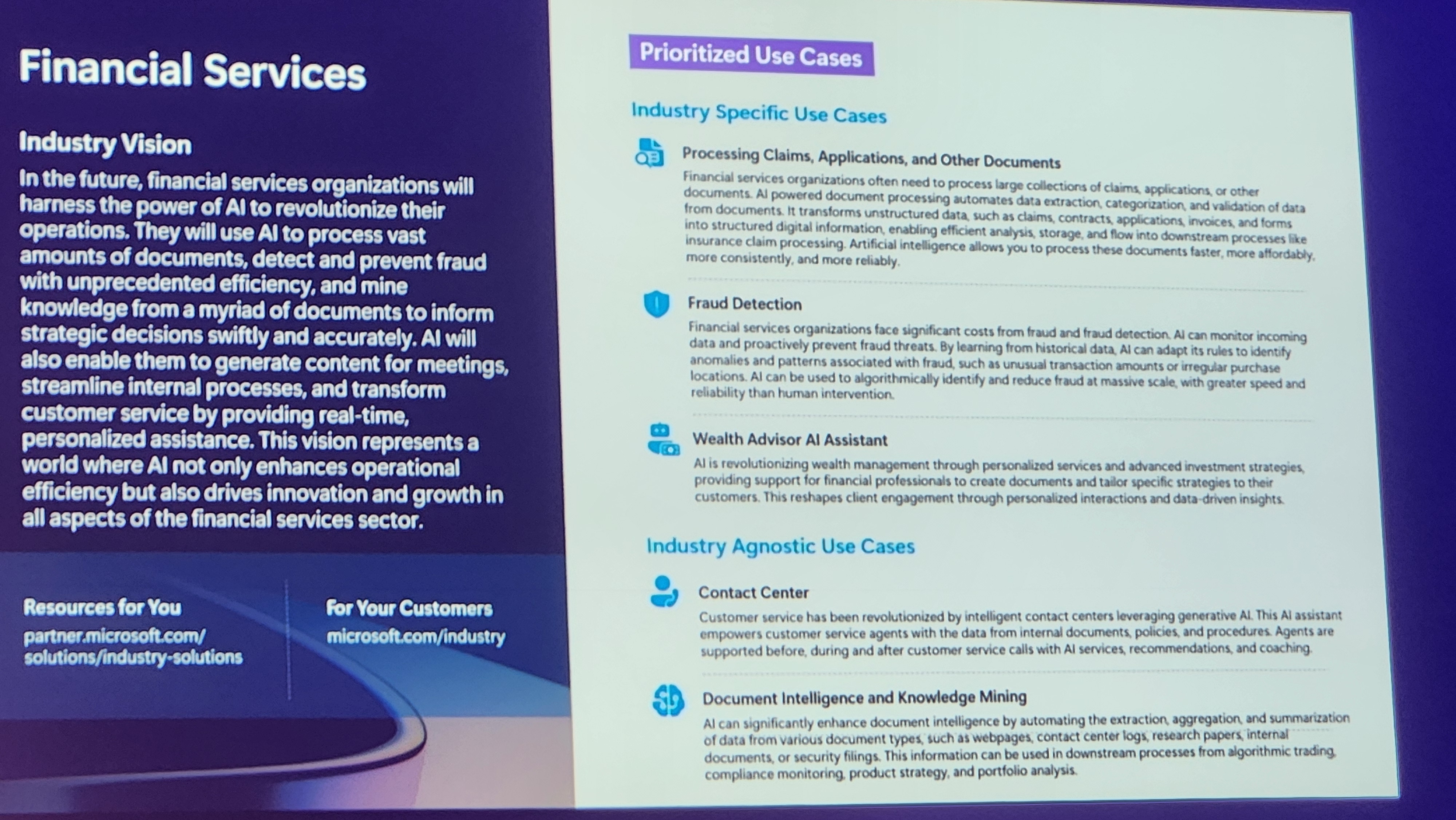
Industry Use cases for AI APPs

Global AI Bootcamp 2019 Sydney – Knowledge Mining using Azure Cognitive Search

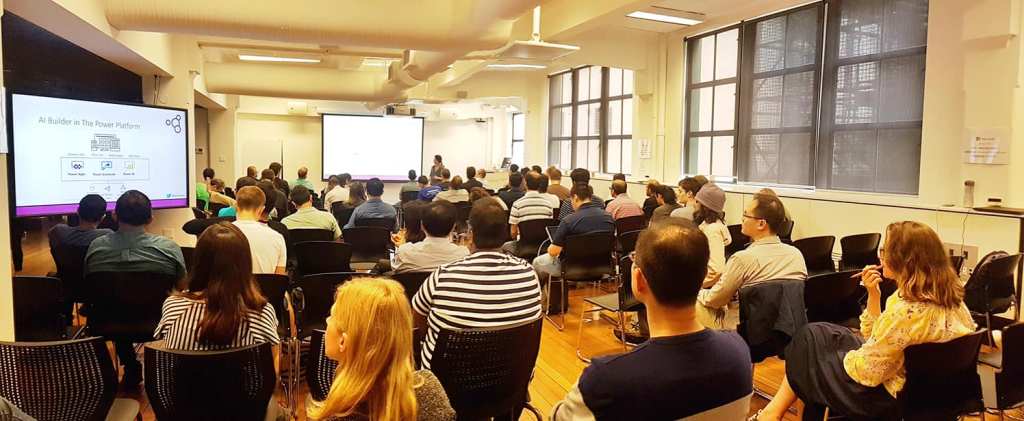
Global AI Bootcamp Event (https://globalai.community/global-ai-bootcamp) took place in 130 locations worldwide. In Sydney, we had a great turnout – 150 seats got sold out 3 weeks prior to the event.

In the event, I had the opportunity to present a session on Knowledge Mining using Azure Cognitive Search.

The slides have been made available here:

Reference links:

If you have attended the session, please let me know your feedback via email or submitting a Feedback form: http://bit.ly/38Bdr1V